Stamp
Calendar Logger
by Piovesanlabs
Your calendar shows every meeting. But where did the rest of your day go?
See it in action
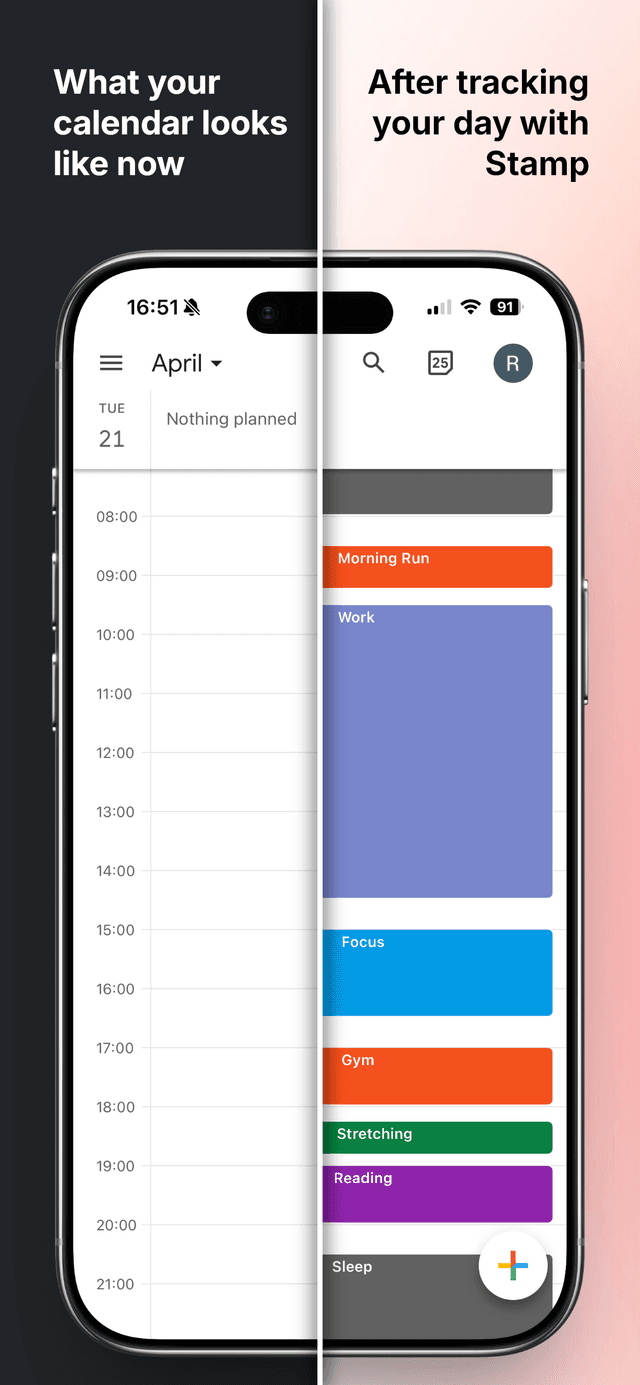
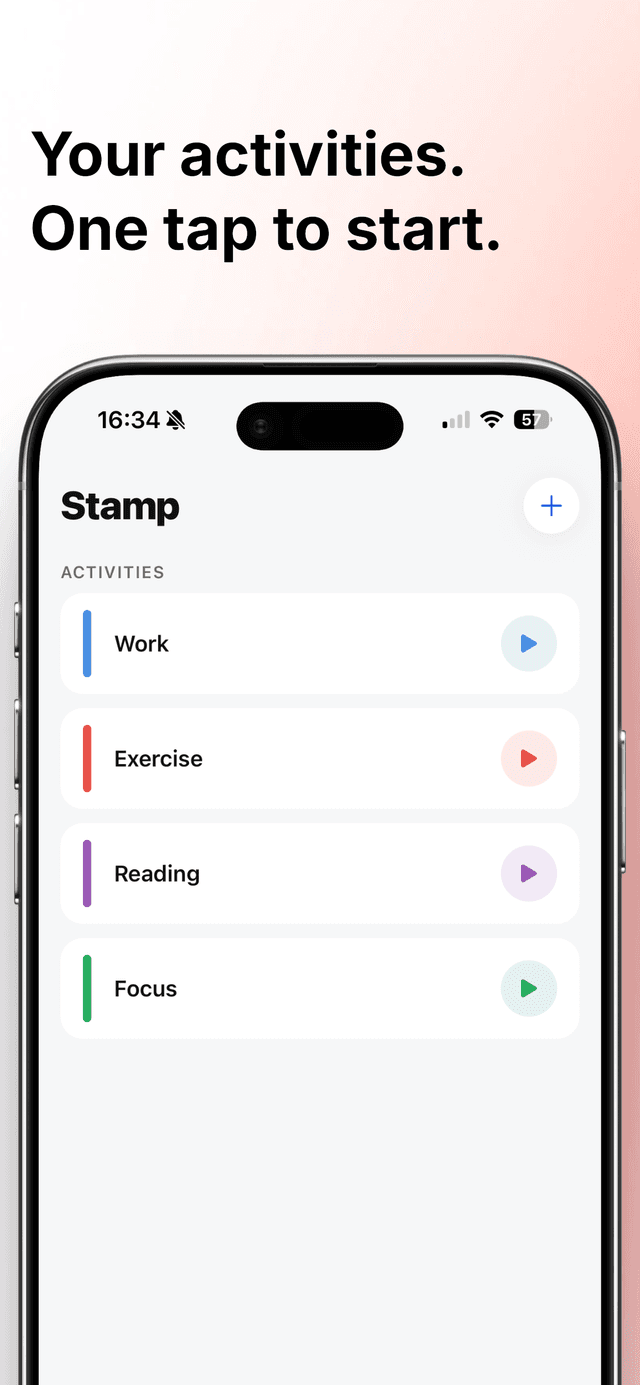
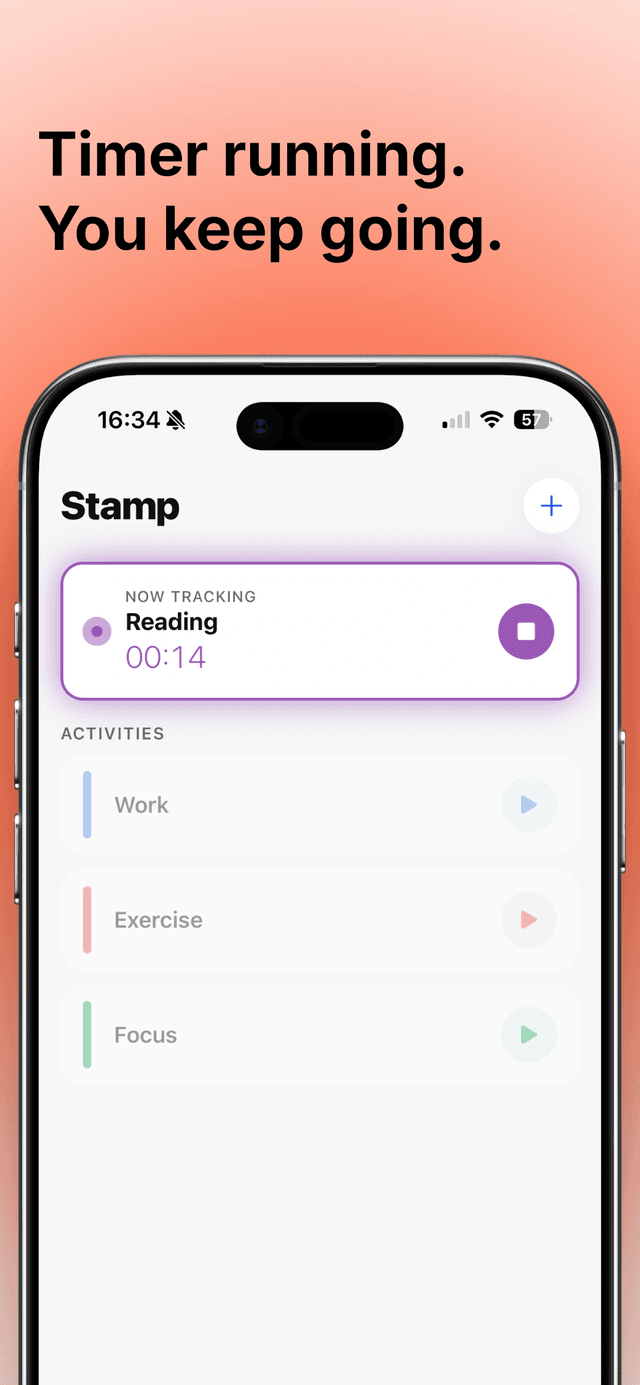
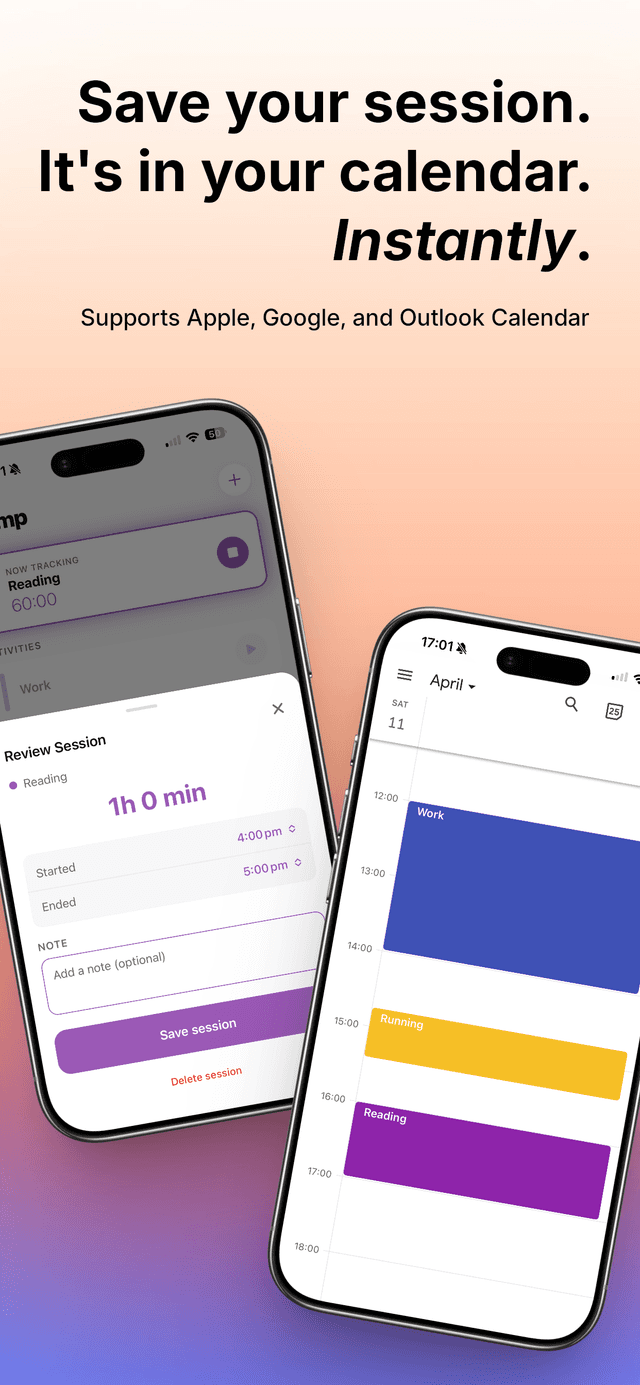
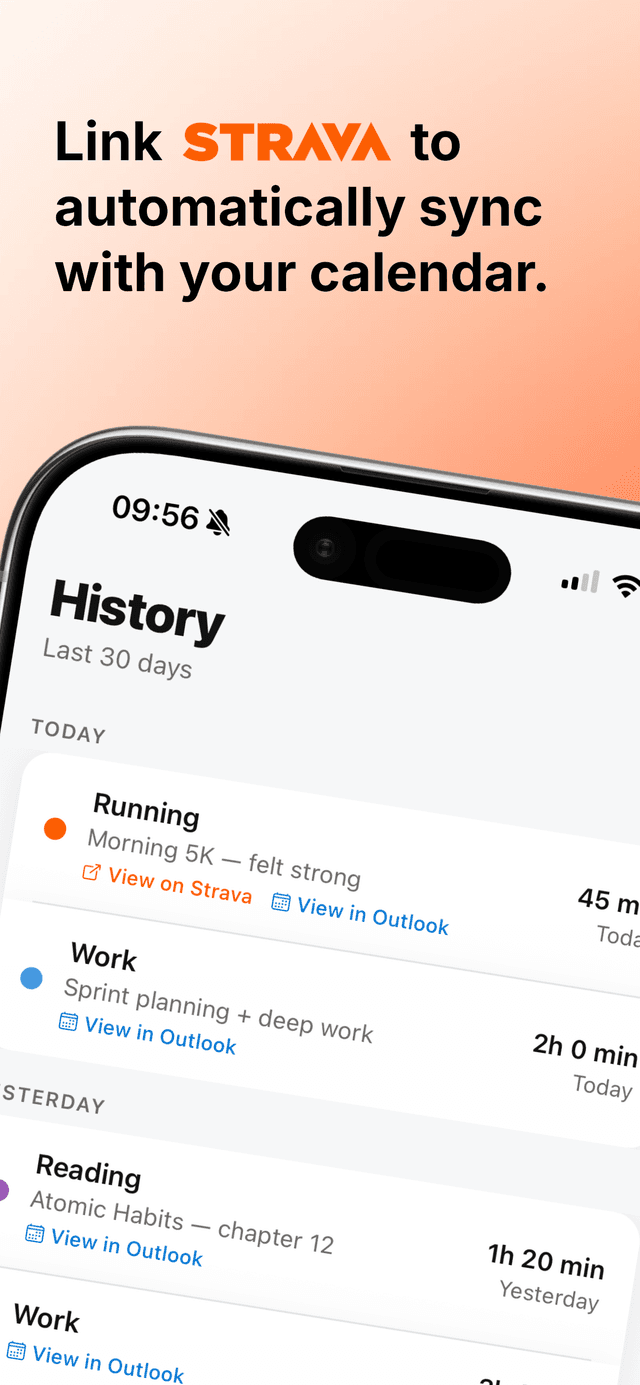
The hours you spent reading, studying, or at the gym — they just disappear. Stamp fixes that. Log your own activities with a one-tap timer, or connect Strava and let your workouts sync automatically. Either way, Stamp creates a calendar event with the exact start and end time. No manual entry. No separate dashboard. Just your time, in your calendar.
How It Works
- 1Add your activities — Reading, Gym, Focus, whatever fits your life
- 2Tap to start, tap to stop — then review the session
- 3The event appears in your calendar automatically
Or connect Strava — skip steps 1 and 2 entirely. Finish a run or ride and it goes straight to your calendar.
Stamp Is Not a Habit Tracker
No streaks. No check-ins. No badges. Stamp is a calendar tool — specifically the write layer that calendar apps have always been missing. It does one thing and does it well.
Key Features
- One-tap start/stop timer per activity
- Strava integration — workouts sync to your calendar automatically
- Automatic calendar event creation via Microsoft or Google sign-in
- Customize activities with names and colors
- Review and adjust session times before saving
- Add a short note to any session
- Timer keeps running if you leave the app
- Persistent notification with a Stop button while a session is active
- Session history — last 30 days at a glance, with links back to Strava
- Works offline — sessions sync to your calendar when you reconnect
Your time, in your calendar.